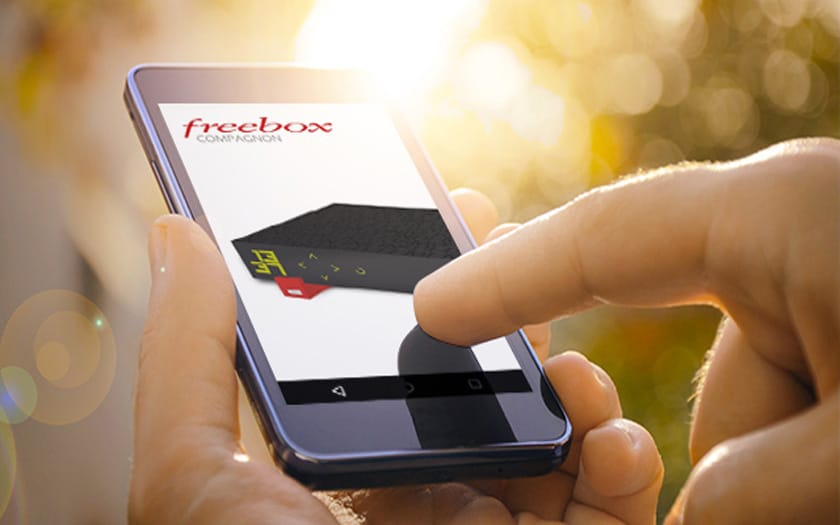
Freebox is an electronic device set up by Sébastien Boutruche, the research manager of the French company Free. This device is designed to serve as an interface between the company and users by providing them with high-speed or very high-speed internet connection. Using the Freebox requires creating an account and accessing the user space, which will allow you to benefit from the features offered by the Free network. Here is the procedure to follow to connect to your Freebox account.
How to connect to Freebox?
Before thinking about connecting with the Freebox, you must first make a subscription. You can do this by typing the URL address of the company’s website, by calling them directly, or by heading to a Free Center. In any case, you need to choose the Freebox that suits you best and pay to receive it.
After payment, you will receive your login details and password via your email address. After this step, you can enjoy the services of your Freebox by simply connecting. To connect, type the company’s Free URL address into a browser. Once on the homepage, click on my Freebox account located at the far left. After entering your information, log in by pressing the “log in” button.
How to connect remotely?
In addition to the Triple play feature of its Freeboxes, the Free network allows its users to connect remotely. To benefit from this option, it is essential to activate it in advance. To do this, go to your Freebox settings and press “Access Management”. Select the option “enable remote access” while mentioning the IP address of the remote access space.
To connect remotely, type the IP address you saved on your Freebox into your browser. A page will appear asking you to fill in your username and password. Once your data is entered, press ”connect”.
Freeboxes come in several versions and increasingly powerful sub-versions. These electronic devices not only allow access to the internet, but also provide a TV decoder and a telephone call manager. In case of moving, users have the option to make changes regarding their new home online. If you, as a user, encounter technical problems with your Freebox, you can contact the company’s customer service for assistance.